

Shared support
Triage before handing off to an adviser
Model case studies · example Tygy workflows
A large online school or education network with learner support and multiple programmes.
A learner cannot join a class and contacts support. First-line agents investigate, involve a programme adviser when needed, and share instructions for common situations across the team.
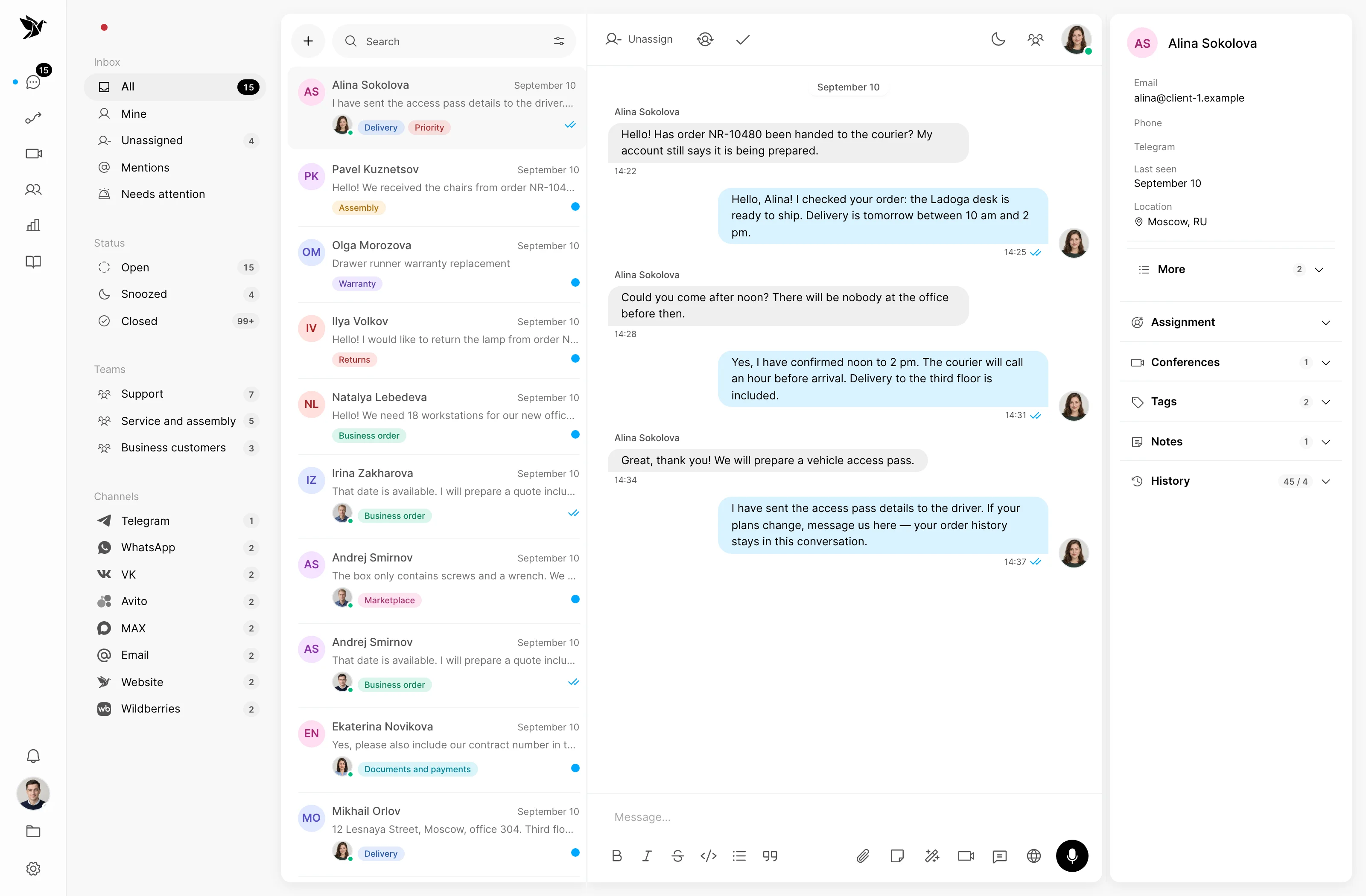
Triage before handing off to an adviser
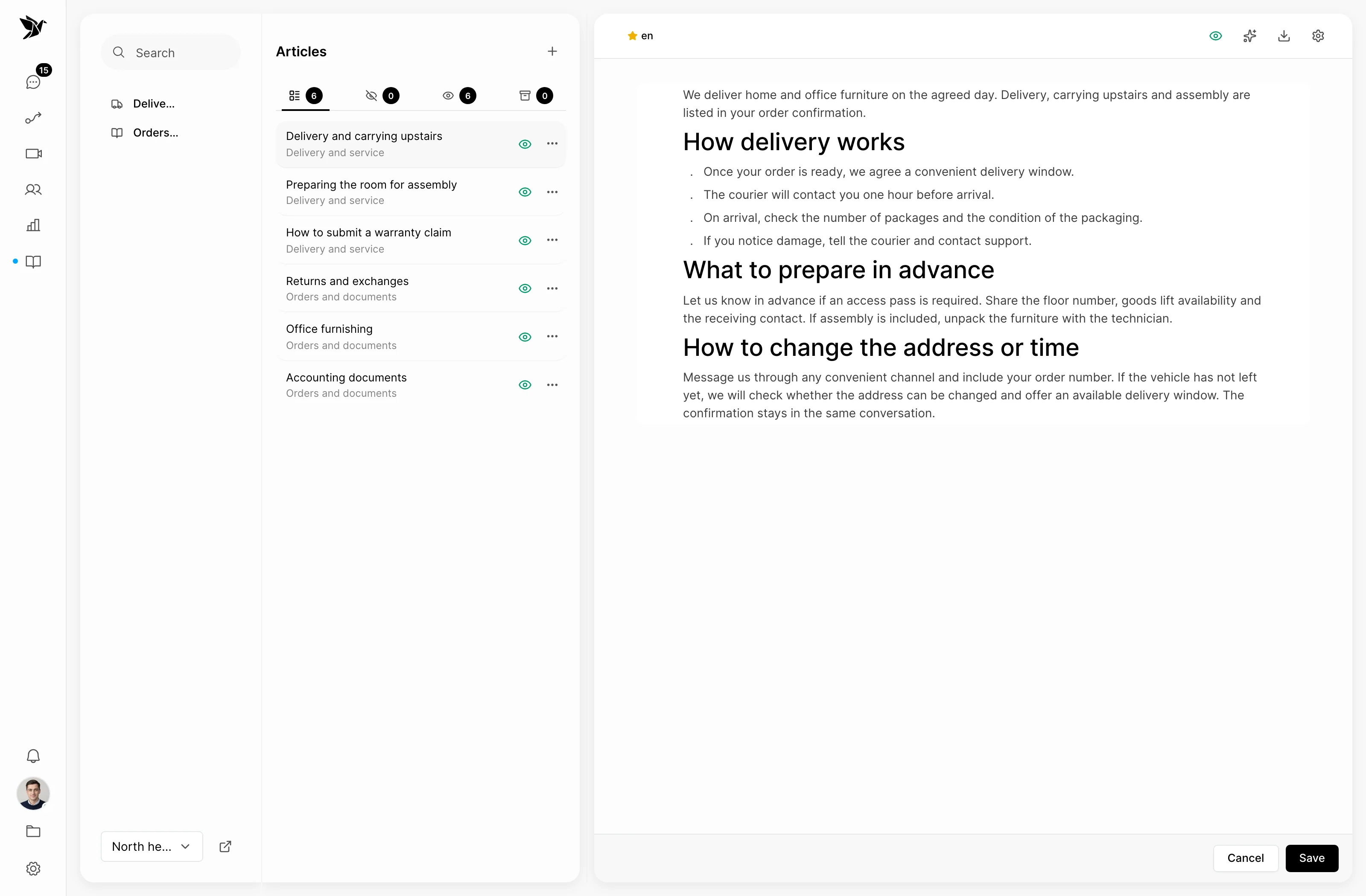
Give first-line agents a shared source of answers
Make the first step clear
Shared support
Confirm the programme and problem in the conversation. Tags separate access, scheduling and guidance questions, and an assigned owner continues the work.
Guidance
Publish instructions for signing in, preparing for class and reaching an adviser. Agents use approved guidance and hand unusual questions to specialists.
Intake rules
A scenario can send a greeting or an out-of-hours message under defined conditions. Test the rules on requests from different programmes before enabling them.
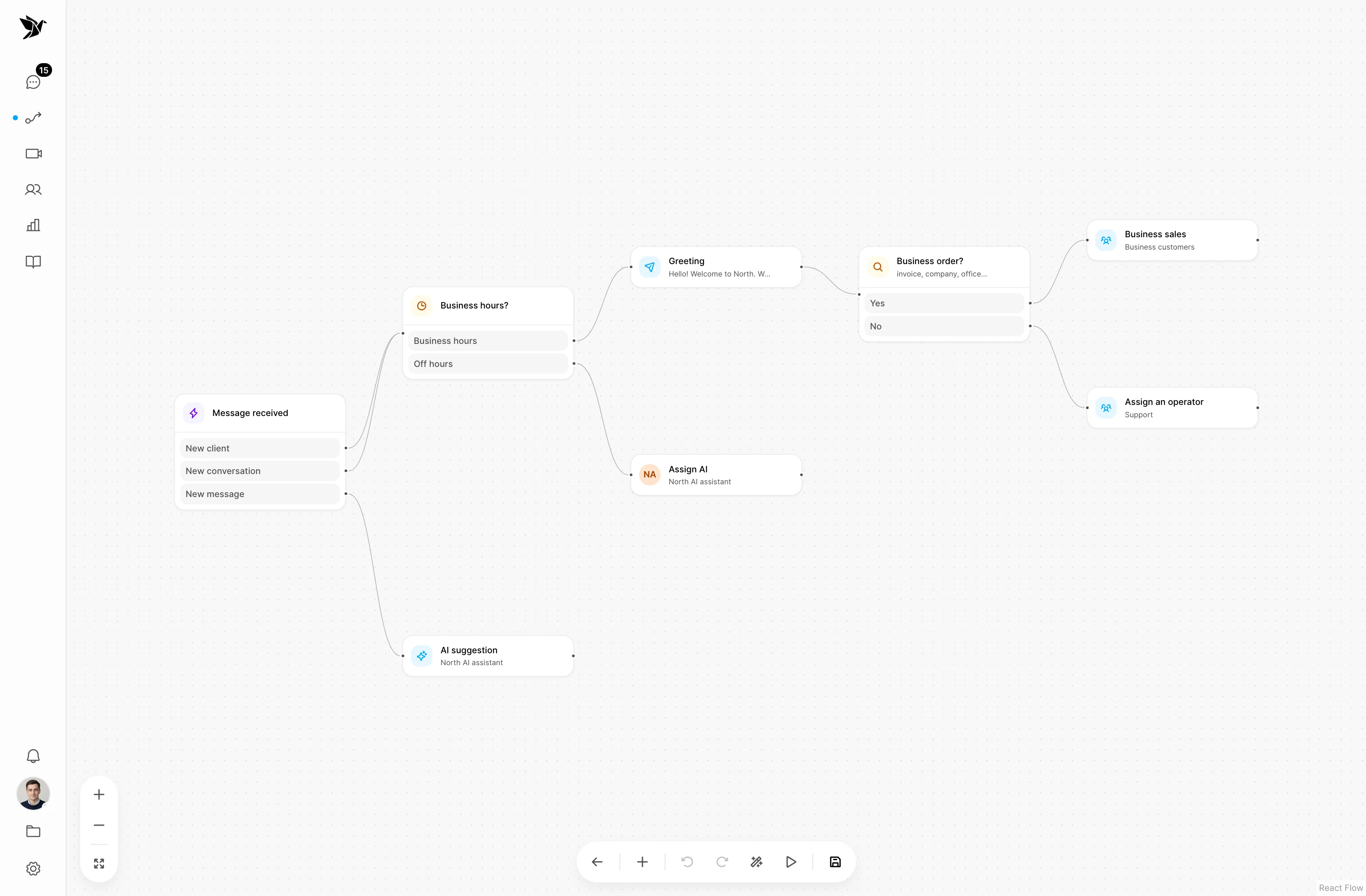
Screenshots show the Tygy interface with demonstration data. Names, conversations and figures are examples.
How the process works
A large online school or education network with learner support and multiple programmes.
Says they cannot join a class.
Checks the programme and follows access guidance.
Reads the history and clarifies the learning question.
Checks the outcome with the learner and records it.
Everyday tools
Collect only the information needed to resolve the issue.
Update guidance when the learning platform changes.
Approve the first message text.
Education networks
This workflow does not include automatic access management. An employee checks the learning platform and assists the learner in the conversation.
This is a model workflow based on Tygy features that you can adapt to your company’s processes.
Choose one team and request type. Compare the existing workflow with a pilot using comparable samples, then decide what to expand.
Choose one team and request type. Compare the existing workflow with a pilot using comparable samples, then decide what to expand.
14 days free · No credit card required