

An explained result
A reason accompanies the score for review.
AI scores closed conversations and explains its result. Compare its findings with customer feedback and a human review to identify specific improvements.
A reason accompanies the score for review.
A reviewer adds their own score and comment.
Feedback relates to a specific closed conversation.
After resolution
After an eligible conversation closes, AI analyses the messages using the quality methodology. The score and explanation help your team choose cases to review.
Human review
AI, the customer and a reviewer see the outcome from different perspectives. Compare available scores and leave the agent a comment with a specific example.
Team standards
Configure the quality methodology for your team’s work. Reviewer corrections provide examples for subsequent AI evaluations.
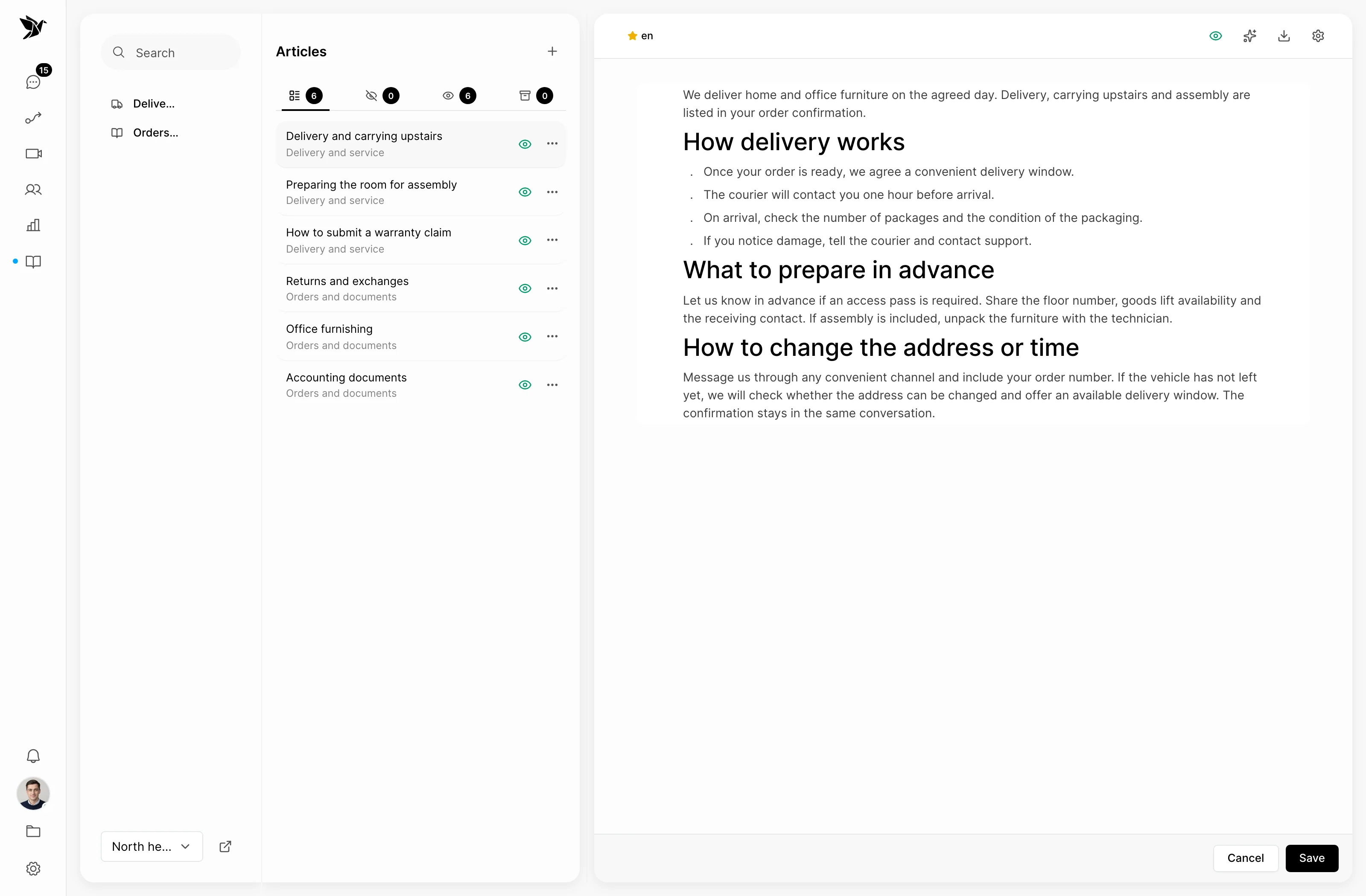
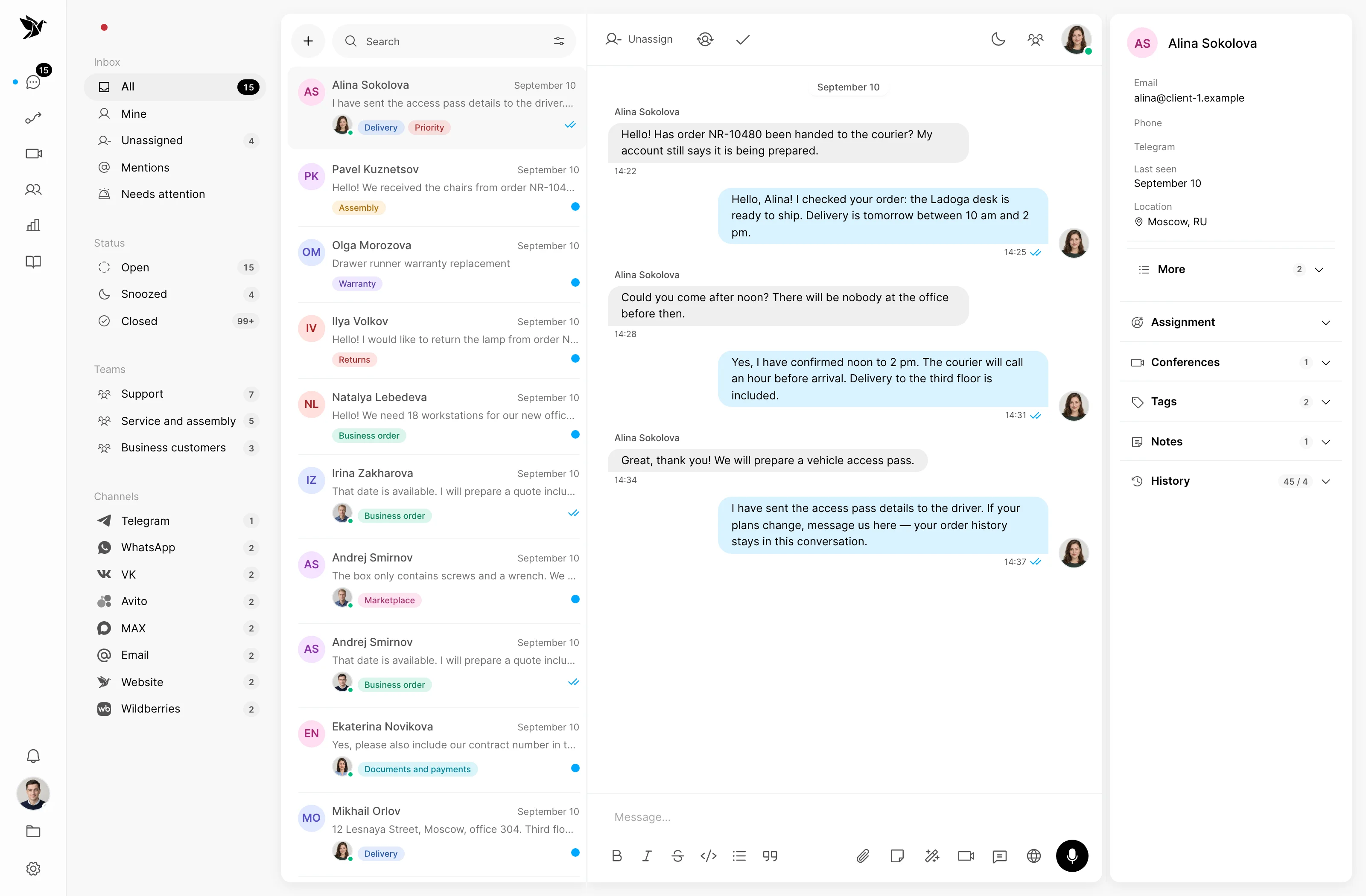
Screenshots show the Tygy interface with demonstration data. Names, conversations and figures are examples.
How it works
A score is useful when it leads to a clear action.
The team closes the conversation.
AI analyses an eligible conversation.
A reviewer compares the findings with the context.
The agent receives specific feedback.
Configure the feature for your team and check the results against your own examples.
Everyday tools
Set criteria that match your support work.
User permissions determine access to reviews.
Consider customer feedback and the AI explanation alongside the messages.
AI quality
No. A score applies to a closed conversation. Evaluation requires an eligible two-way exchange.
Yes. A reviewer can add their own score and explanation, shown separately from the AI score.
The conversation may be ineligible, the feature may be disabled, or evaluation may still be processing. AI also needs an available token balance.
Compare AI and reviewer scores, refine your criteria and make reviews part of your team’s work.
14 days free · No credit card required