
Context before the reply
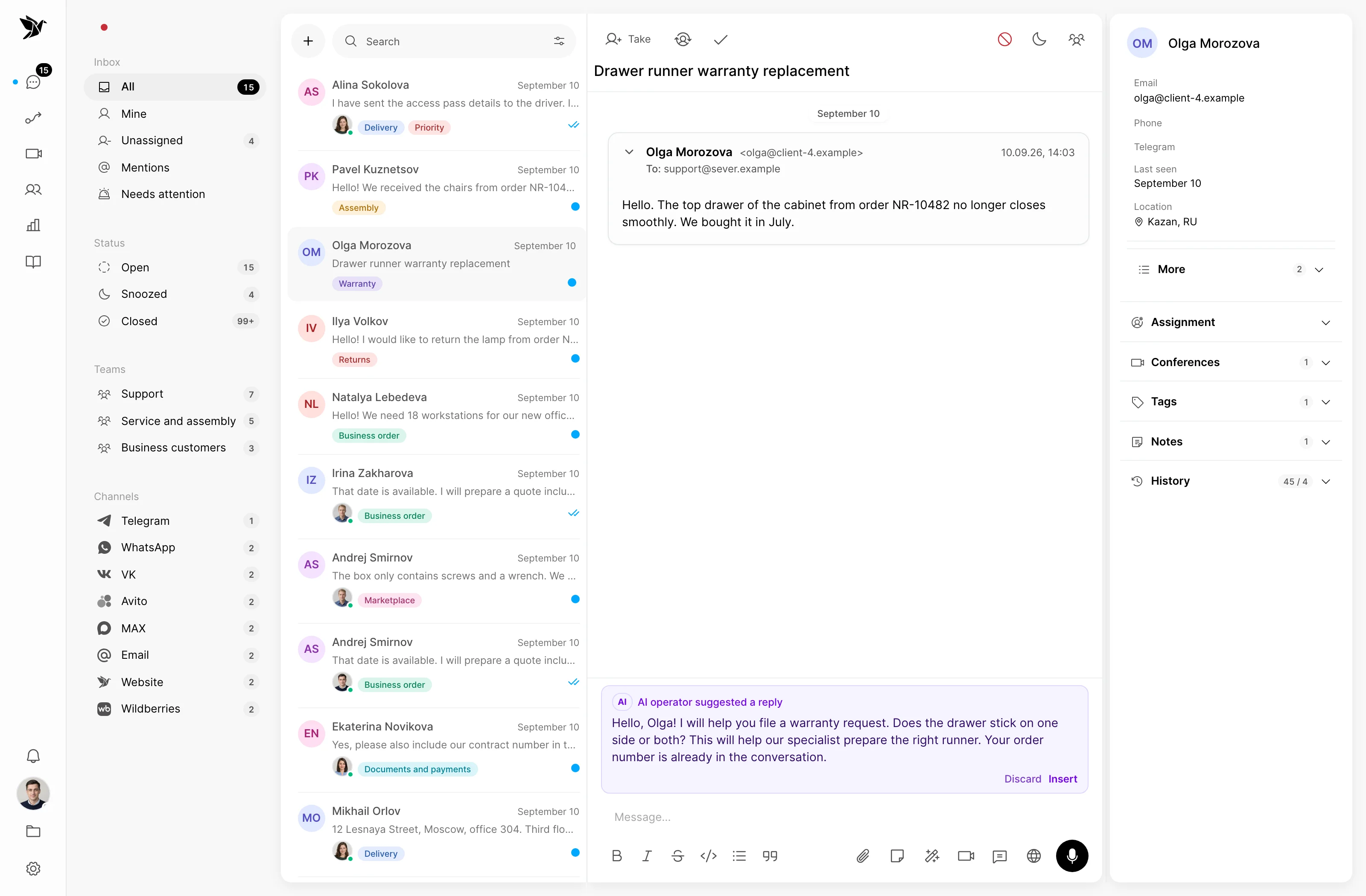
Conversation history, notes and contact details help the team account for earlier interactions.
Customer history, messaging in the right channel, CRM details and meeting summaries stay close. Your sales team has the context to decide what comes next.
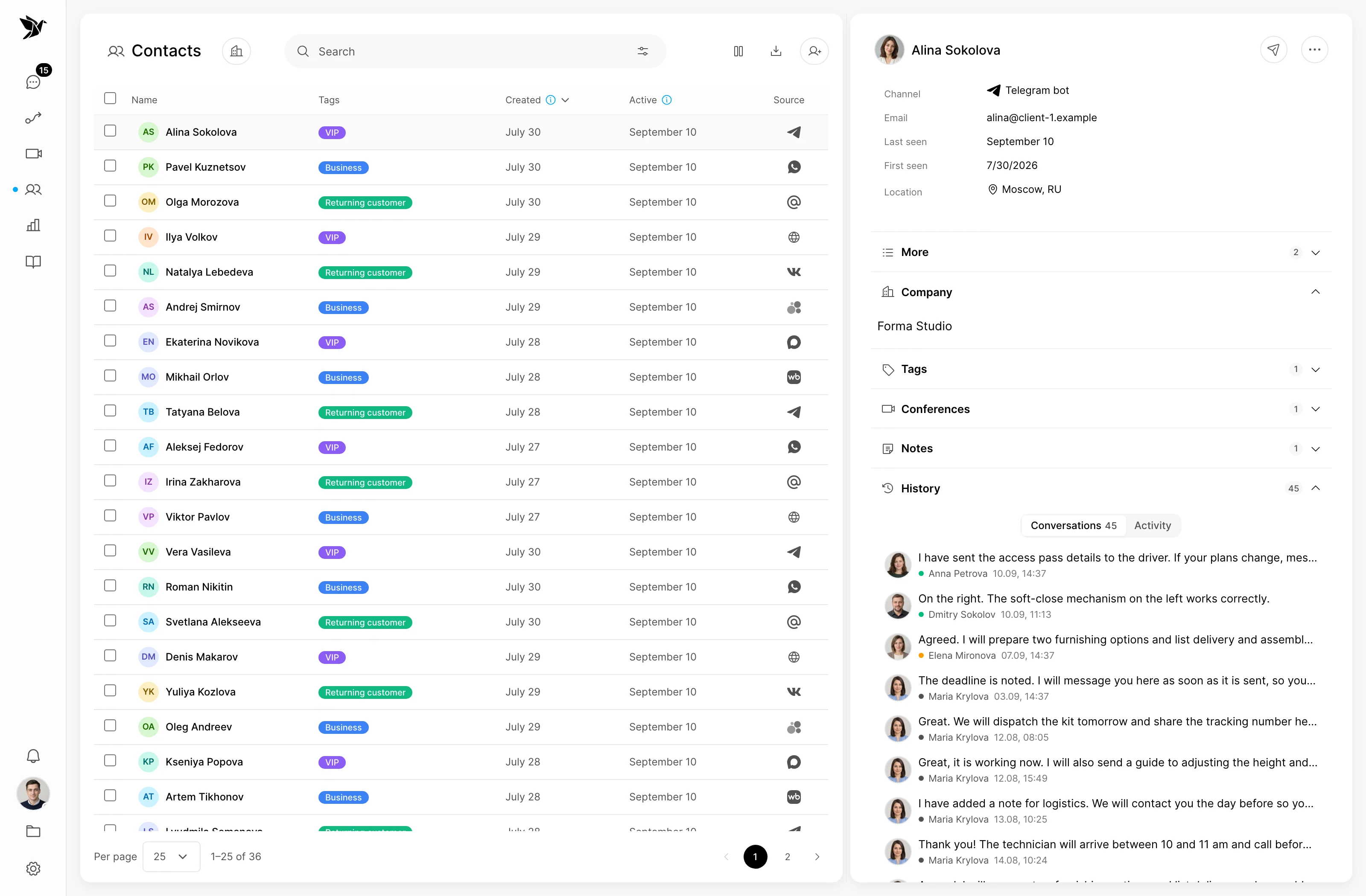
Conversation history, notes and contact details help the team account for earlier interactions.
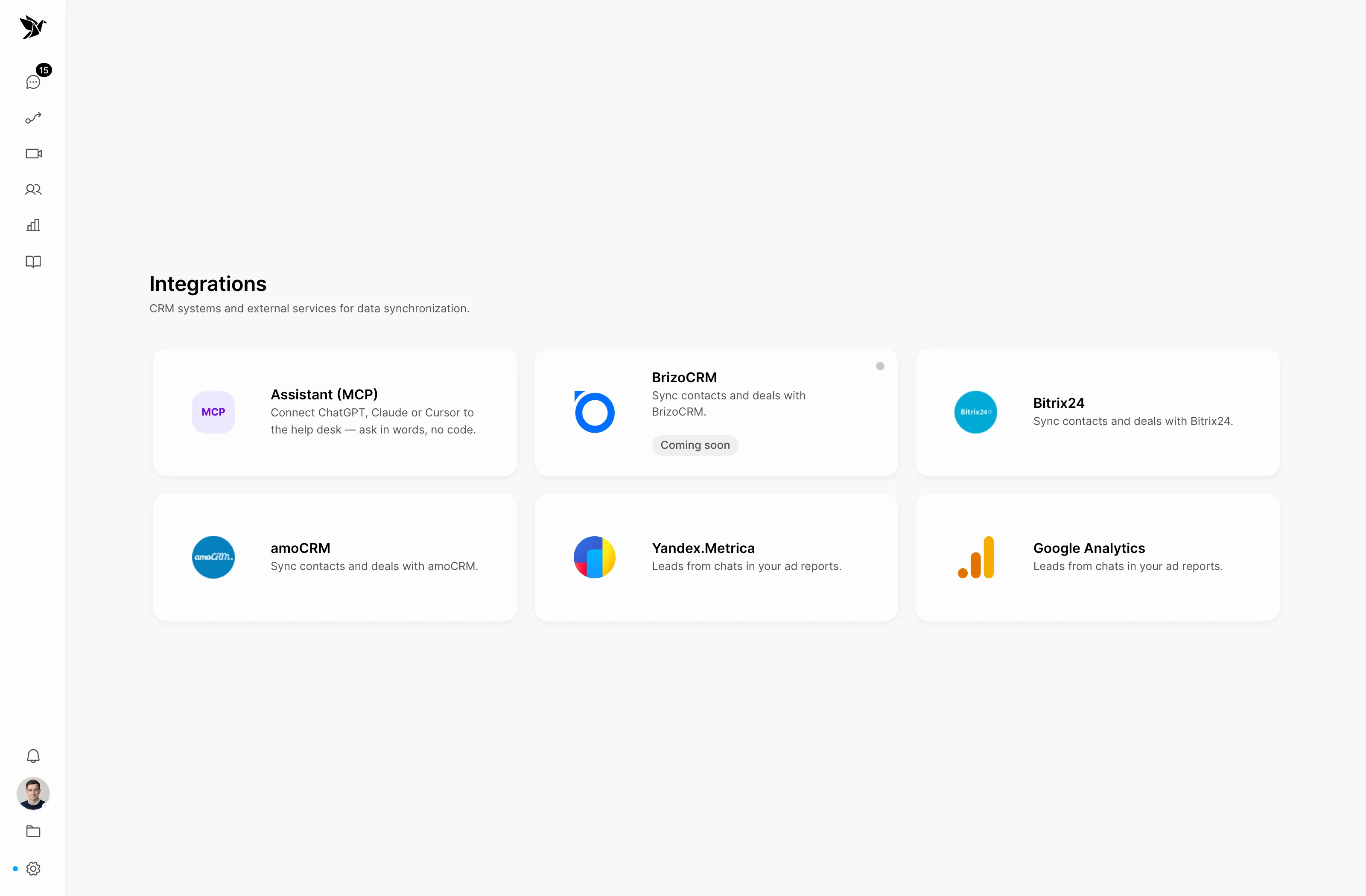
After connecting the integration, Bitrix24 or amoCRM contacts and deals are available alongside the conversation.
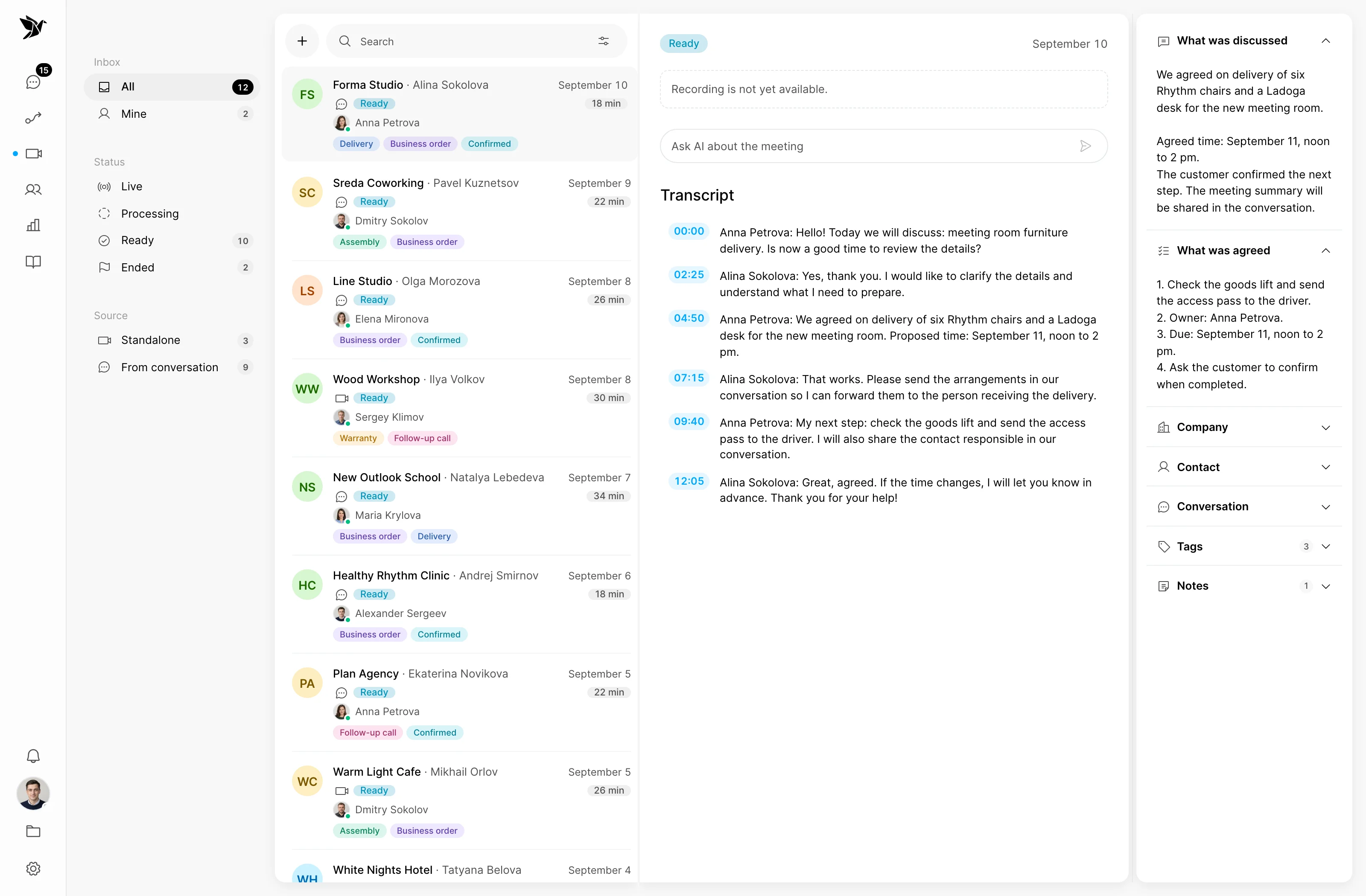
Assign an owner, involve colleagues and keep a record of what was agreed in a meeting.
The customer
Before replying, open the customer's profile: earlier conversations, notes and contact details. Use that context to ask a relevant question and continue the relationship.
Business customers
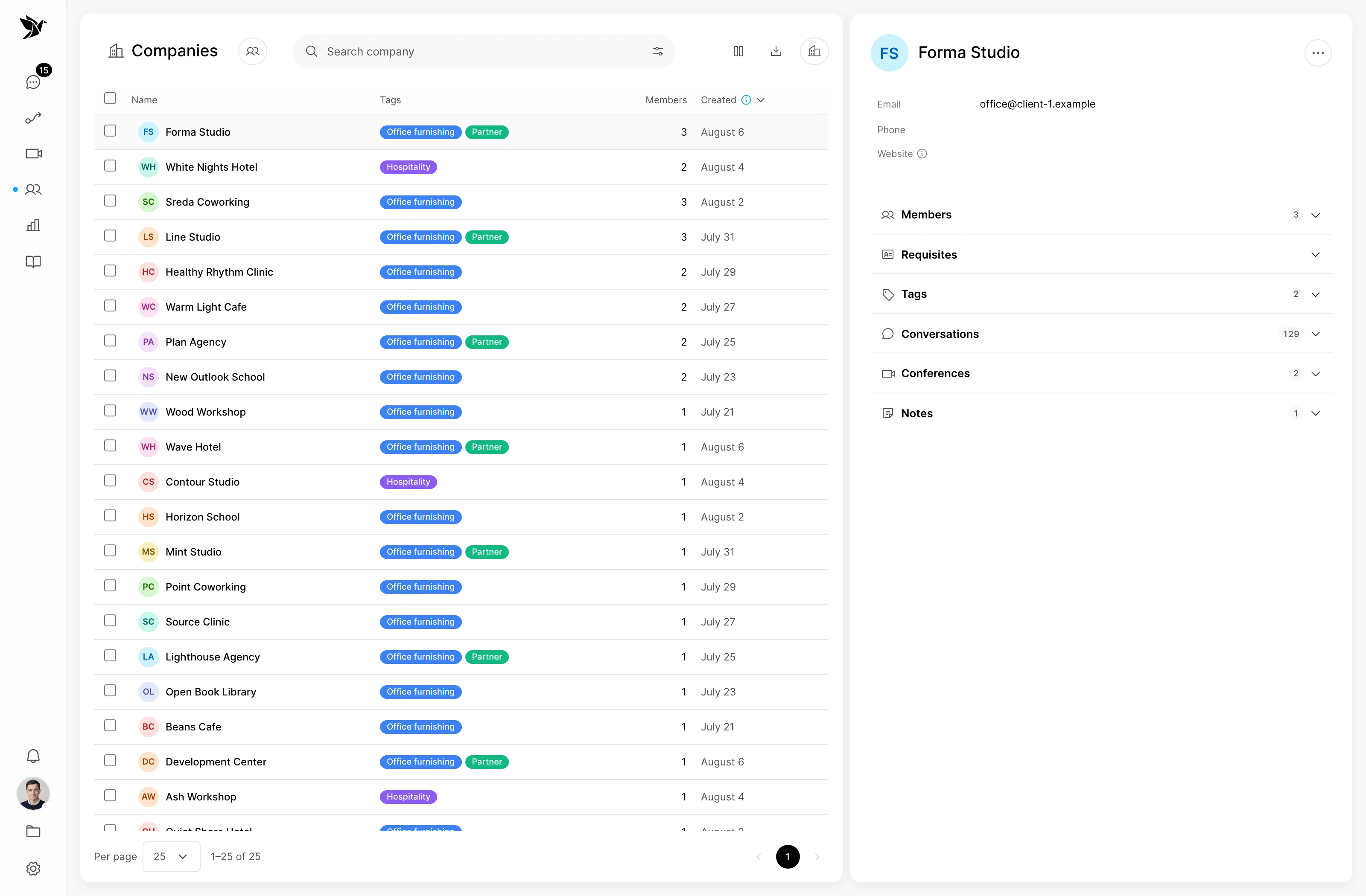
A buyer asks about terms, an accountant about documents, and the recipient about delivery. Link contacts to their company so your team can see its conversation history together.
Bitrix24 and amoCRM
Connect your CRM to see the linked contact and their deals. Find or create a contact and create a deal from Tygy, while your CRM remains the home for the sales process.
Help for your sales team
AI helps draft an answer from connected materials: terms, instructions and your knowledge base. The sales representative checks the draft, clarifies details and continues the consultation.
Meetings
When messages are not enough, move to a video meeting. A recorded meeting keeps a transcript, AI summary and agreements that the team can refer to afterwards.
How it works
For example, a buyer asks about an order. The conversation, team and CRM help guide the consultation while keeping the context together.
The enquiry arrives from a connected channel in the shared inbox.
The representative reviews the customer's history and linked deals.
They use company materials, involve colleagues or arrange a meeting.
They save a note, assign an owner and create a CRM deal when appropriate.
An example process. Configure rules, owners and message content to suit your team.
Everyday tools
Handle questions from messaging apps, email, your website and connected marketplaces without checking each separate account.
Start a new conversation from a contact's profile. Tygy shows which channels currently allow a message to that customer.
Assign a representative or team using rules; distribute incoming conversations in rotation or according to workload.
Internal notes and mentions help clarify terms or hand a question to another member of the team.
A separate report accounts for linked CRM deals: won amounts, open potential and losses. Results depend on CRM data and configuration.
Send context through webhooks. The public API and MCP on Pro let you use Tygy data in your own tools.
Sales
No. Tygy helps you manage customer conversations and complements Bitrix24 or amoCRM. Contacts and deals remain in your CRM; once connected, you can view and create them from Tygy.
Yes, where the channel permits it. On Telegram, VK and MAX, the customer must previously have contacted the connected bot or community. Email and WhatsApp have their own conditions, while marketplace channels are for replies within an existing conversation. Availability is shown when you start a conversation.
Yes. With Bitrix24 or amoCRM connected, you can find or create a CRM contact and create a linked deal. If several similar contacts are found, the employee chooses the correct one.
If a meeting is recorded and processed, its record includes the recording, transcript and AI summary with agreements. You can link it to a conversation, contacts and a customer company. A meeting without a recording does not produce a transcript.
The report uses snapshots of linked CRM deals and their stages. Won deals count as revenue; open and lost deals are recorded separately. Accurate results require a connected CRM, stage mappings and suitable reporting period and attribution settings.
Add your team and first channel. See how customer history, AI drafts and CRM details help the consultation move forward.
14 days free · No credit card required