

Incoming in your language
Translation helps you understand a question within the conversation.
Read customer messages in your language and send a translated reply from the conversation. The exchange stays in your team’s shared workspace.
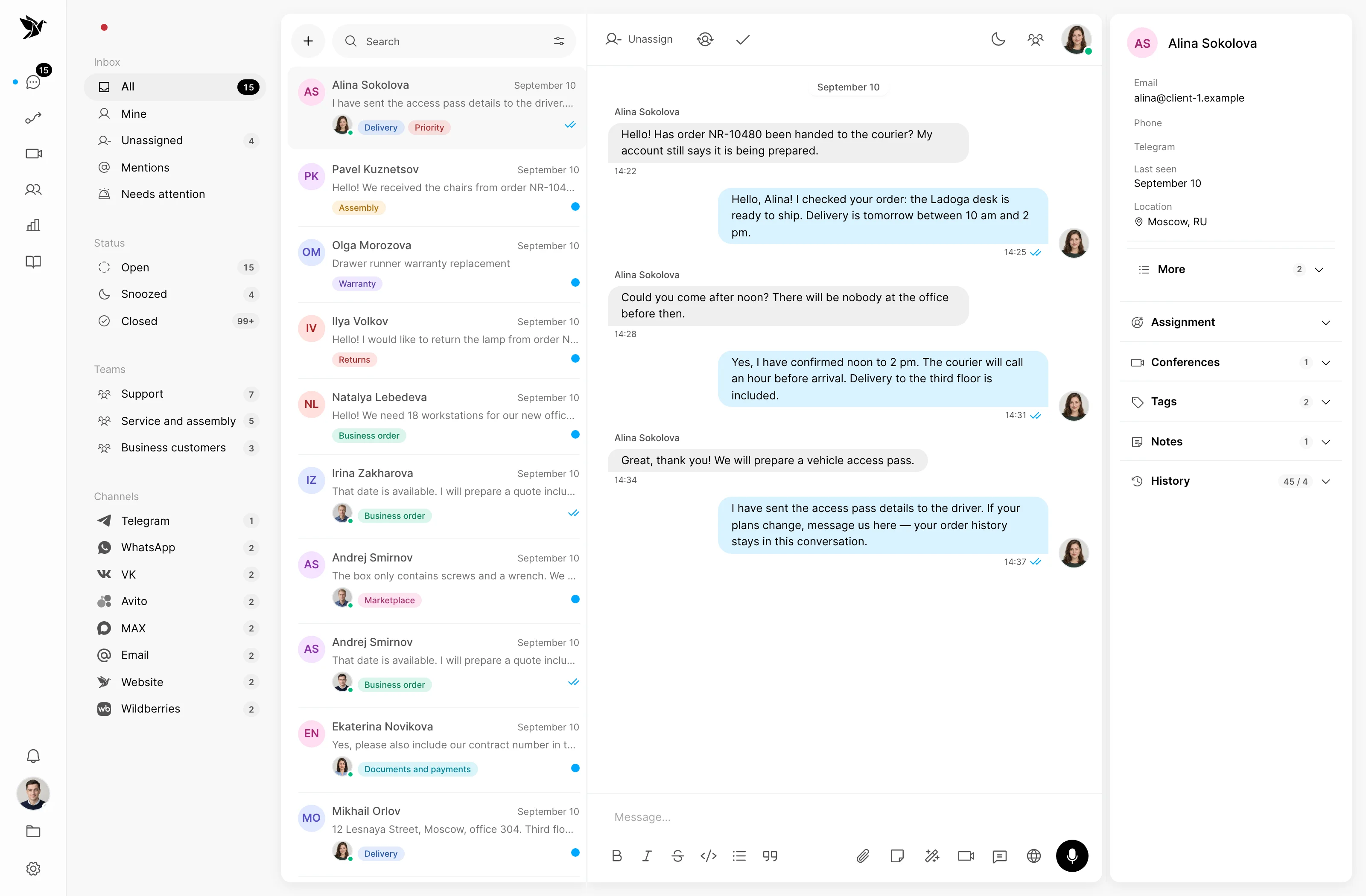
Translation helps you understand a question within the conversation.
Prepare and send translated replies from your workspace.
The original text remains part of the history.
Incoming messages
Enable translation in a conversation to read incoming messages in your language. You can also translate an individual message manually.
Customer replies
Write a reply and translate it into the customer’s language. Clarifications and follow-up messages remain part of the same conversation.
Multilingual team
Incoming translations account for the reading agent’s language. Colleagues can work on the same conversation in their preferred languages.
Screenshots show the Tygy interface with demonstration data. Names, conversations and figures are examples.
How it works
For support teams working with customers who write in another language.
The customer writes through a connected channel.
The agent reads the translated message.
They draft a reply and translate it for the customer.
The entire exchange stays in one conversation.
Configure the feature for your team and check the results against your own examples.
Everyday tools
Translate an individual message manually.
Colleagues can receive incoming translations in different languages.
Translation does not replace the customer’s original text.
AI translation
Yes. Translation does not replace the original text, which remains available when reviewing the conversation.
Yes. You can translate individual messages manually or enable automatic translation for the conversation.
Not necessarily. Incoming translation accounts for each agent’s language, so the same conversation can be read in different languages.
Test incoming translation and a reply using a real customer conversation.
14 days free · No credit card required