

Service connections
Start with the system your team uses
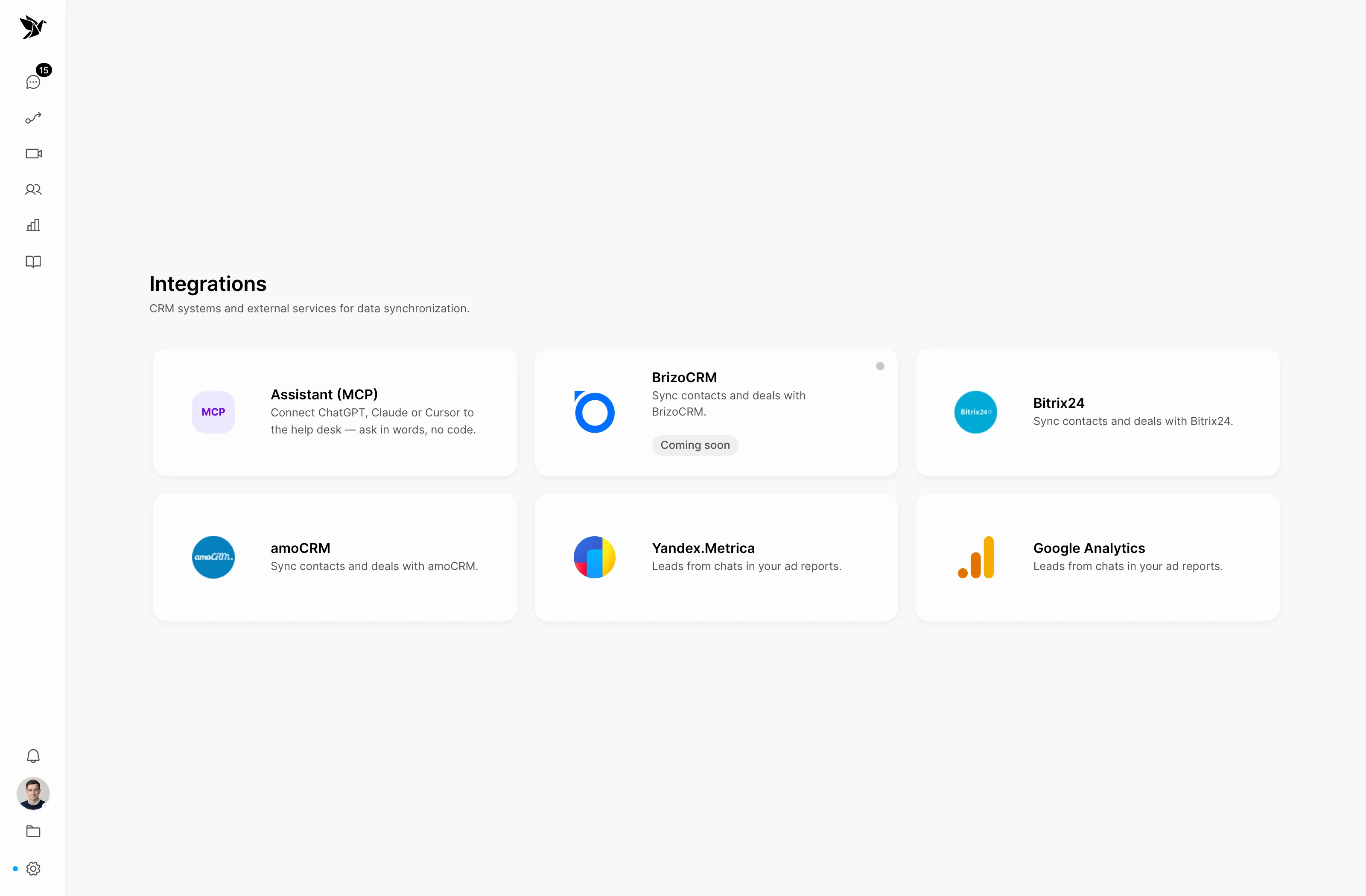
Connect support to Bitrix24 and amoCRM, and analytics to Yandex Metrica. Use conversation data in the tools your team already works with.
Start with the system your team uses
Connect conversations to customer work
Use the API for your own workflow
Service connections
The integrations catalogue brings together CRM and analytics connections. Choose a service and configure access for your company’s workflow.
Customer context
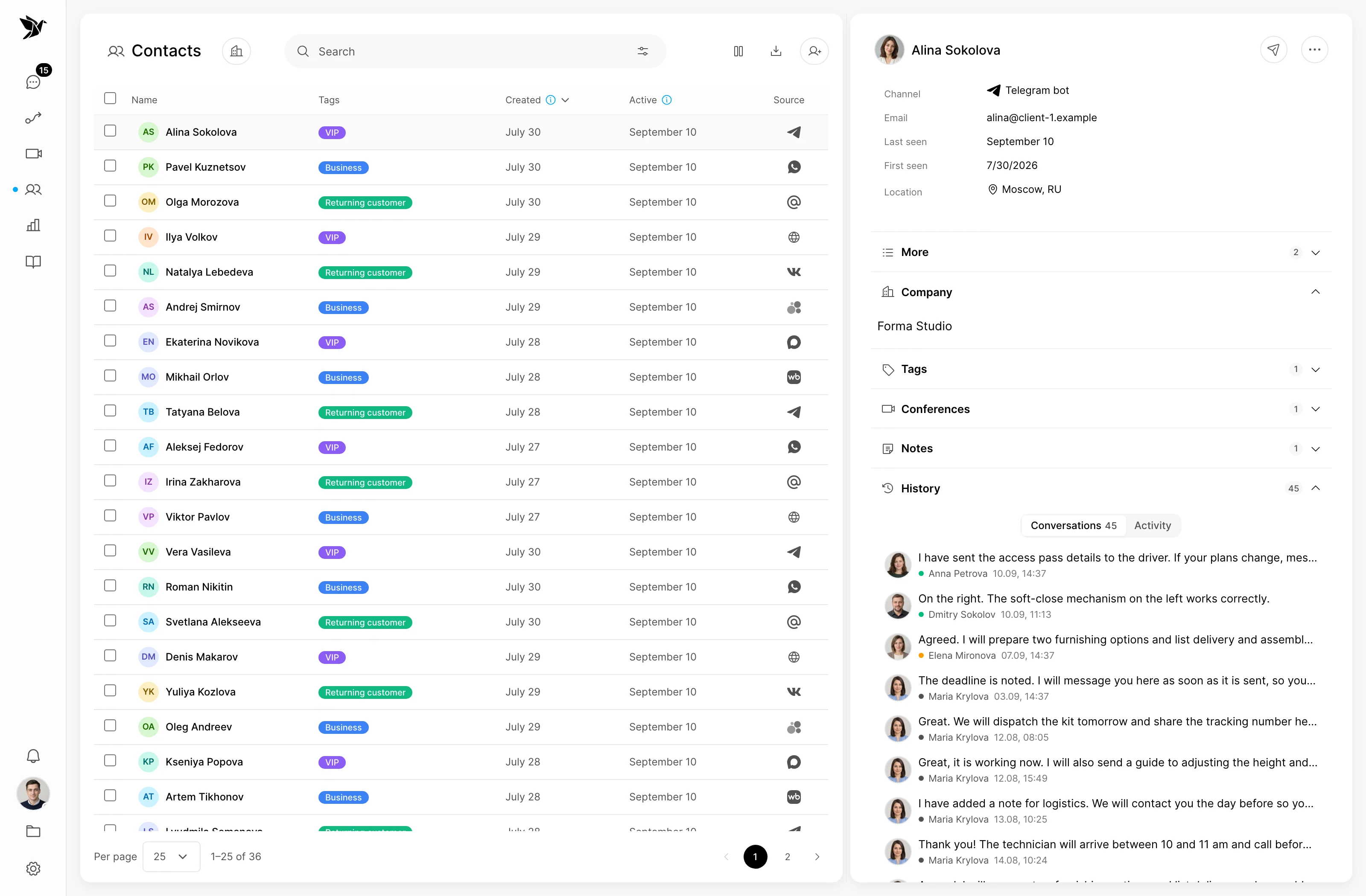
Contact details and conversation history help your team discuss a request in context. Configure the integration around a specific customer workflow.
Custom connections
For a custom connection, explore the Tygy public API. The key’s permissions determine which data and actions are available.
Screenshots show the Tygy interface with demonstration data. Names, conversations and figures are examples.
How it works
Define the integration’s purpose before connecting the service.
Define the task and the people involved.
Choose settings for your team’s workflow.
Walk through a test example.
Review the result and refine the settings.
Check the selected workflow using your team’s examples before putting it to work.
Everyday tools
Connect Bitrix24 or amoCRM.
Decide which information your team needs.
Choose the methods you need in the API documentation.
Integrations
The catalogue includes Bitrix24, amoCRM and Yandex Metrica. Settings and requirements depend on the service.
The public API supports custom workflows. Its documentation describes methods and access permissions.
Yes. Run the intended workflow on a test conversation and check that the connection works with the selected permissions.
Define the integration’s purpose before connecting the service.
14 days free · No credit card required