

A relevant invitation
Offer help on the right page, for an advertising tag or after a delay you choose.
Offer help at the right moment, keep the source of an enquiry and send meaningful actions to analytics. Customer questions can show you what to improve in your communication.
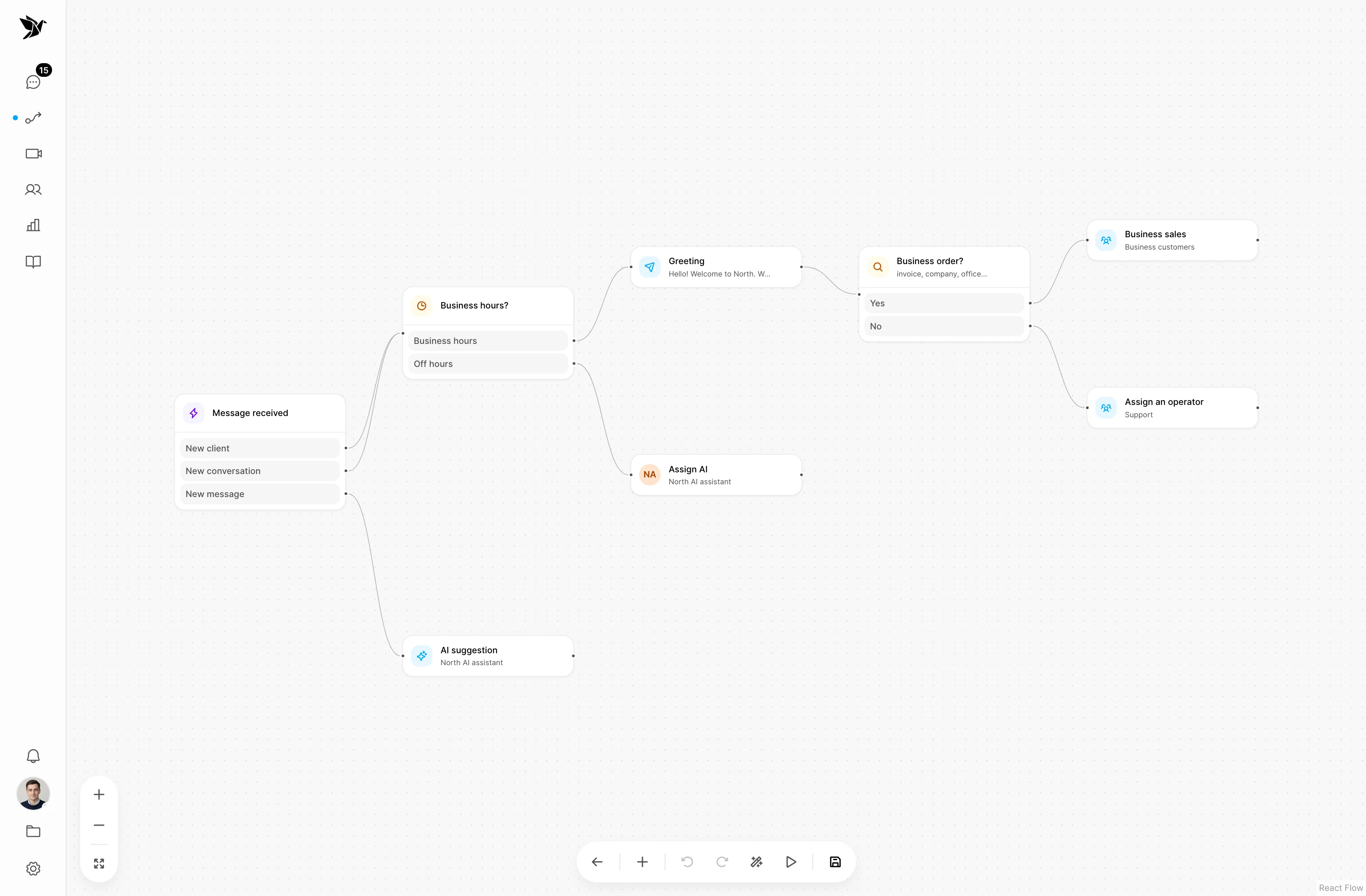
Offer help on the right page, for an advertising tag or after a delay you choose.
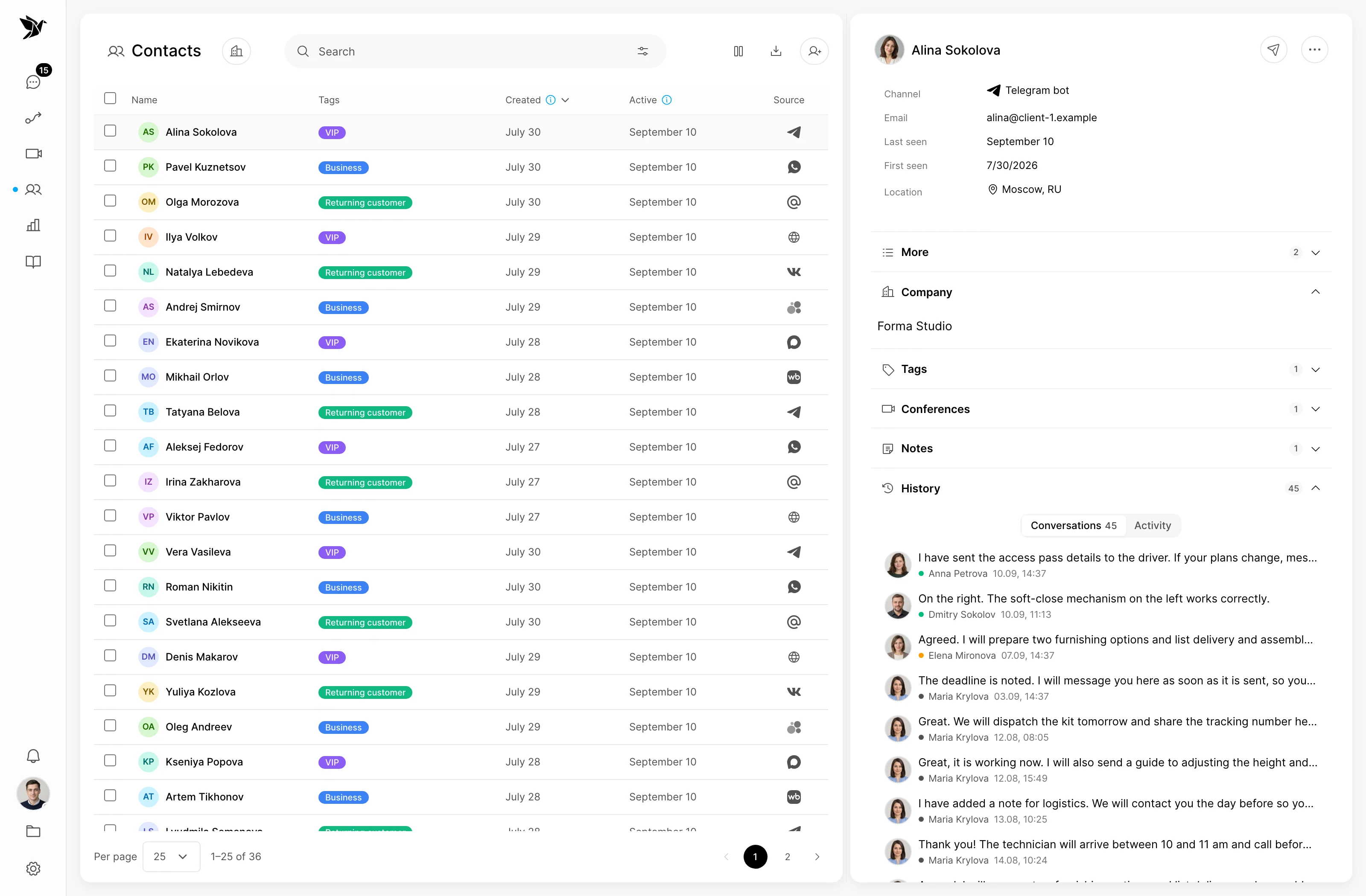
Keep available information about the visitor's source, pages and device alongside the question.
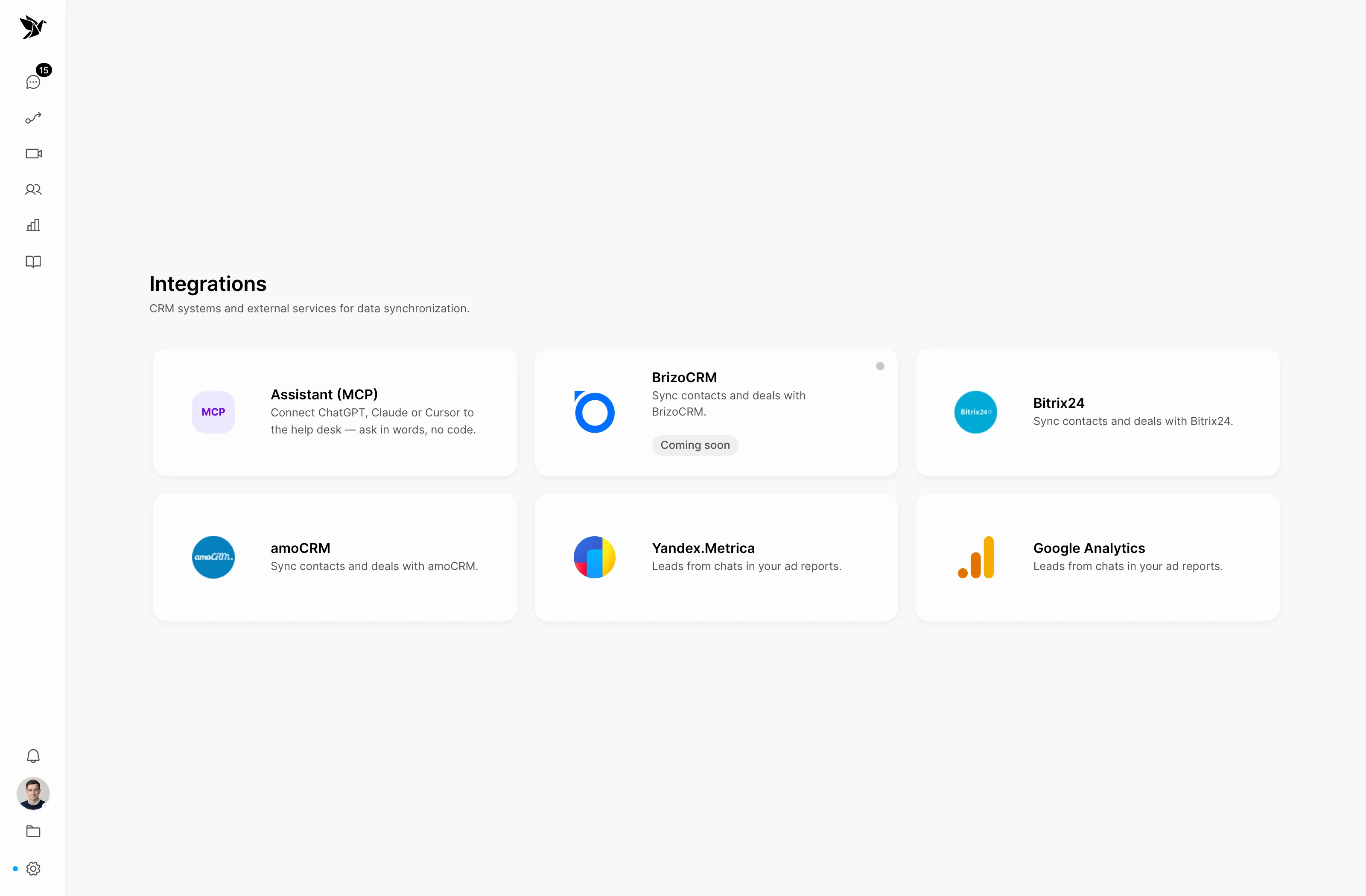
Configure goals for Metrica and GA4 so meaningful actions appear in the reports you already use.
Website scenarios
Set conditions on a visual diagram: page, UTM tags, device, known customer or a delay. Show a chat invitation when it is relevant to that visit.
The enquiry
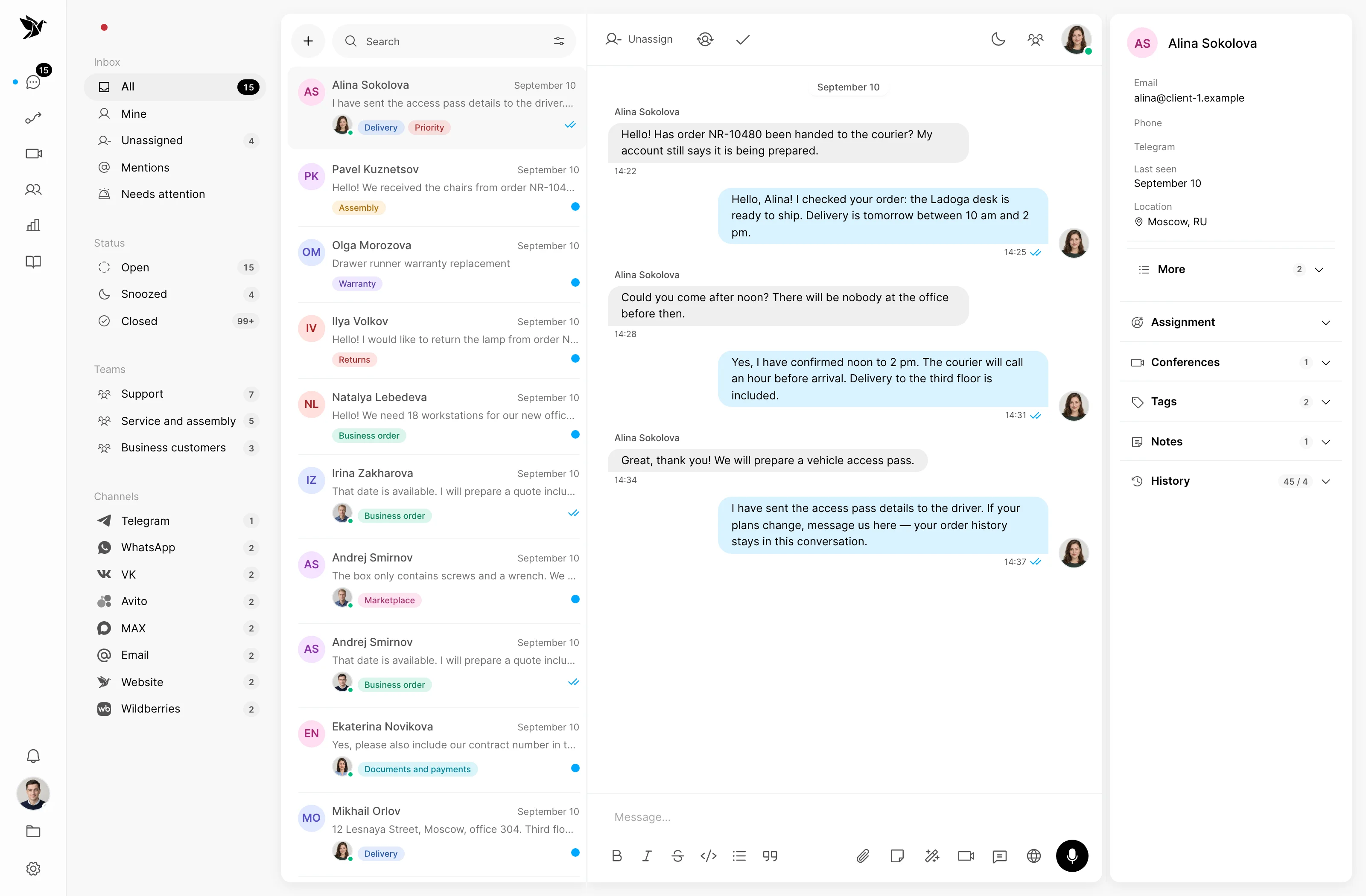
An invitation above the widget leaves the visitor a choice. When they reply, the team gets a conversation it can continue with history, ownership and the available customer information.
Source and context
Website enquiries keep available visit details: advertising tags, landing page, referrer and device. The customer profile also provides access to interaction history and page visits.
Yandex Metrica and GA4
Connect an analytics account and choose which scenario action counts as a goal. Tygy uses a saved visitor identifier, ClientID, to connect the event with a visit.
Customer feedback
Review conversations to find what people need explained. Turn clear answers into articles and team resources; enabled self-learning also helps identify gaps in AI knowledge.
How it works
For example, a visitor is reading about delivery. Configure a short scenario that offers help and passes the reply to the team.
The widget records the visit; the scenario checks the page and available conditions.
After a set delay, an invitation offers help with the delivery time.
The visitor replies and the team receives an enquiry with the available context.
A configured goal is sent to connected analytics when a ClientID is available.
An example process. Configure rules, owners and message content to suit your team.
Everyday tools
Build a popup from text, an image, a button and a form. Adjust the appearance and block order to suit the message.
Ask for contact details and clarifications so the team can continue a useful conversation with an interested visitor.
Compare the volume, share and trend of conversations by channel, the share resolved and resolution time.
Once a conversation starts, tags, teams, assignments and internal notes help pass it from marketing to sales or support.
Link scenario events to visits through the saved ClientID to explore enquiries in reports from your connected analytics service.
Webhooks pass context to external processes; the public API and MCP on Pro provide access to conversations and reports within granted permissions.
Marketing
Tygy currently helps you work with website visitors and individual customer conversations. Bulk messages to a contact database are not part of the current feature set. Website tools include invitations, popups and scenarios.
Yes. A scenario can check the page URL, add a delay and use other available conditions such as UTM tags or device type. Set how often it starts in the trigger settings.
The widget captures available visit information. For a website enquiry, Tygy records UTM tags, the landing page and referrer. It does not automatically recreate missing data; a messenger conversation alone does not provide website history.
Yes. Connect the analytics account and configure a scenario goal. A saved ClientID is needed to link the event to a visitor. Sending events to a connected GA4 account is also supported.
Tygy provides conversation statistics and a separate report for linked CRM deals. This is not a full calculation of advertising costs and ROMI. Send meaningful events to your analytics system, where spend and the rest of your campaign data are collected.
Start with one invitation on an important page. See which questions arrive and build a useful conversation around them.
14 days free · No credit card required