

Conversation volume
Understand changes in workload
Track incoming requests, response times and agent work. Compare periods and understand where your team needs help.
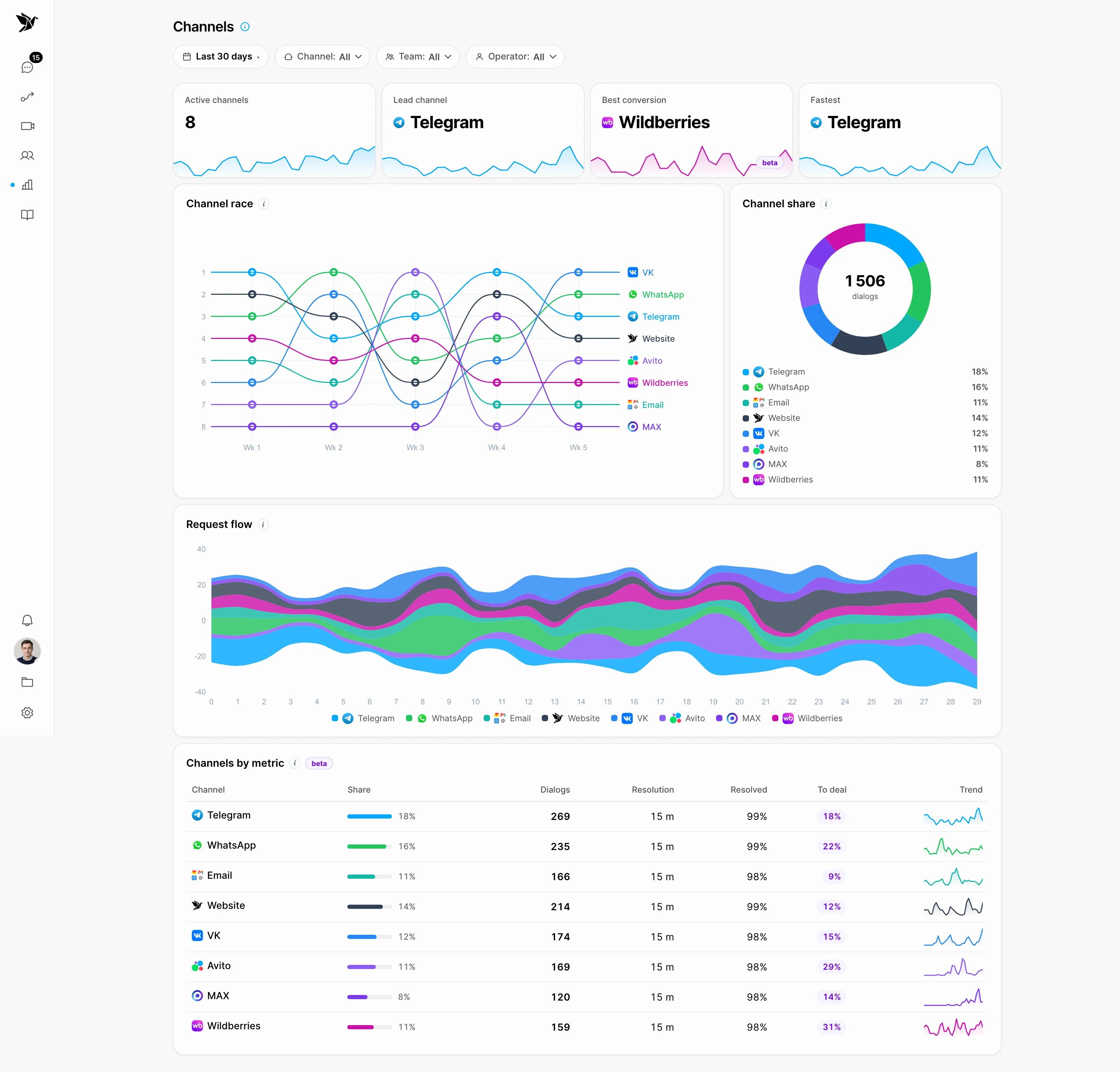
Understand changes in workload
Compare conversation sources
Go from a metric to the conversation
Conversation volume
Review conversation trends for a selected period. Compare changes with the team’s schedule and events that may have affected incoming questions.
Channels
A channel breakdown helps you understand where the work is concentrated. Use the report alongside your team’s context to decide where to focus.
Team workflow
Response times and workload help your team discuss the process. To understand a change, review actual conversations and the conditions agents work in.
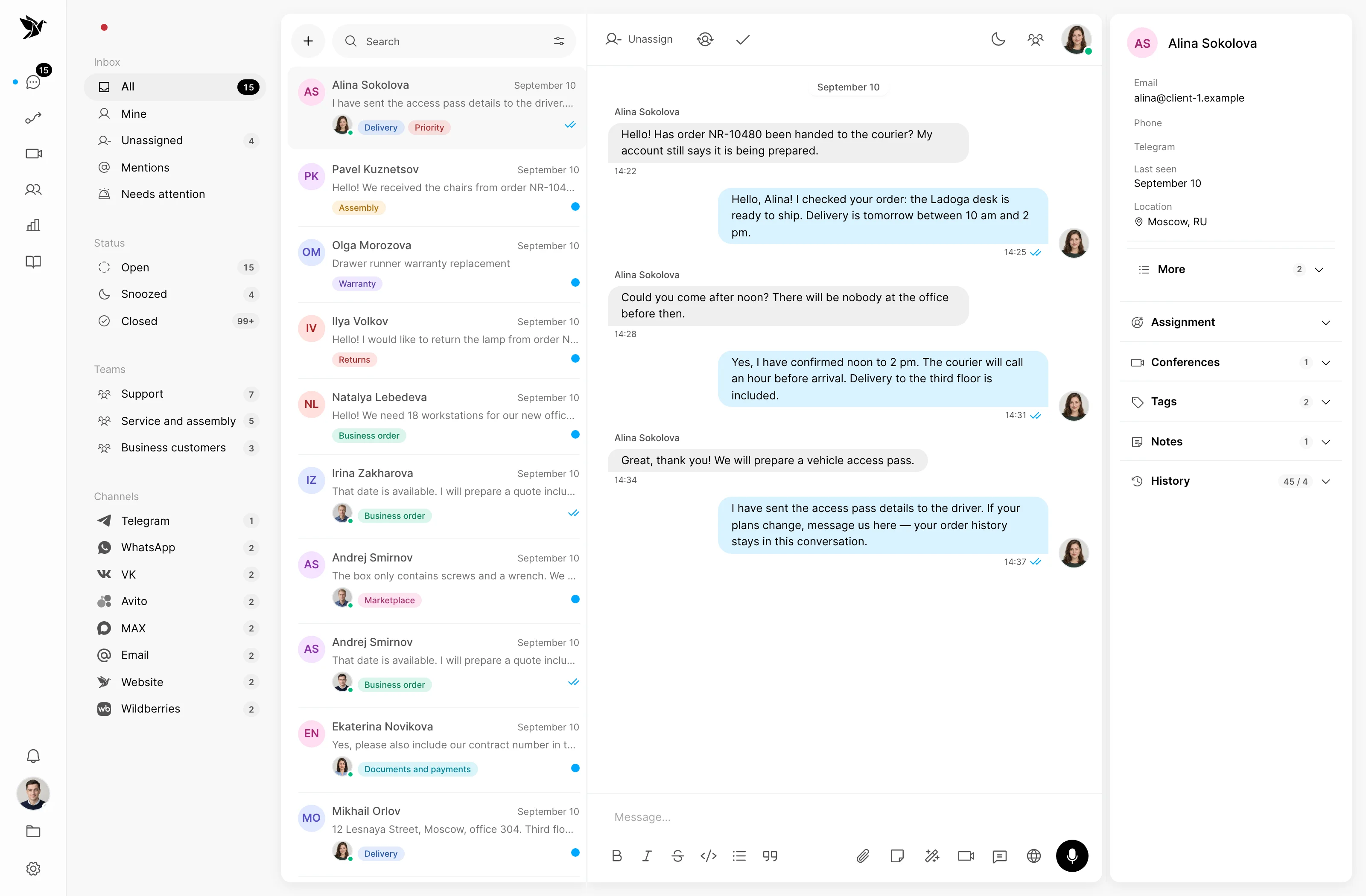
Screenshots show the Tygy interface with demonstration data. Names, conversations and figures are examples.
How it works
Choose a period and the questions your report should answer.
Define the task and the people involved.
Choose settings for your team’s workflow.
Walk through a test example.
Review the result and refine the settings.
Check the selected workflow using your team’s examples before putting it to work.
Everyday tools
Choose a period to review.
Compare incoming volume across channels.
Read metrics alongside conversation context.
Analytics
How conversation volume changes, where questions come from and how the team works. Read metrics in the context of actual conversations.
Yes. Channel reporting helps compare conversation sources for a selected period.
No. Analytics shows operational metrics, while AI quality review helps assess eligible closed conversations.
Choose a period and the questions your report should answer.
14 days free · No credit card required