

Intake
Separate new questions from follow-ups
Model case studies · example Tygy workflows
A logistics operator with multiple terminals, dispatchers and a customer service team.
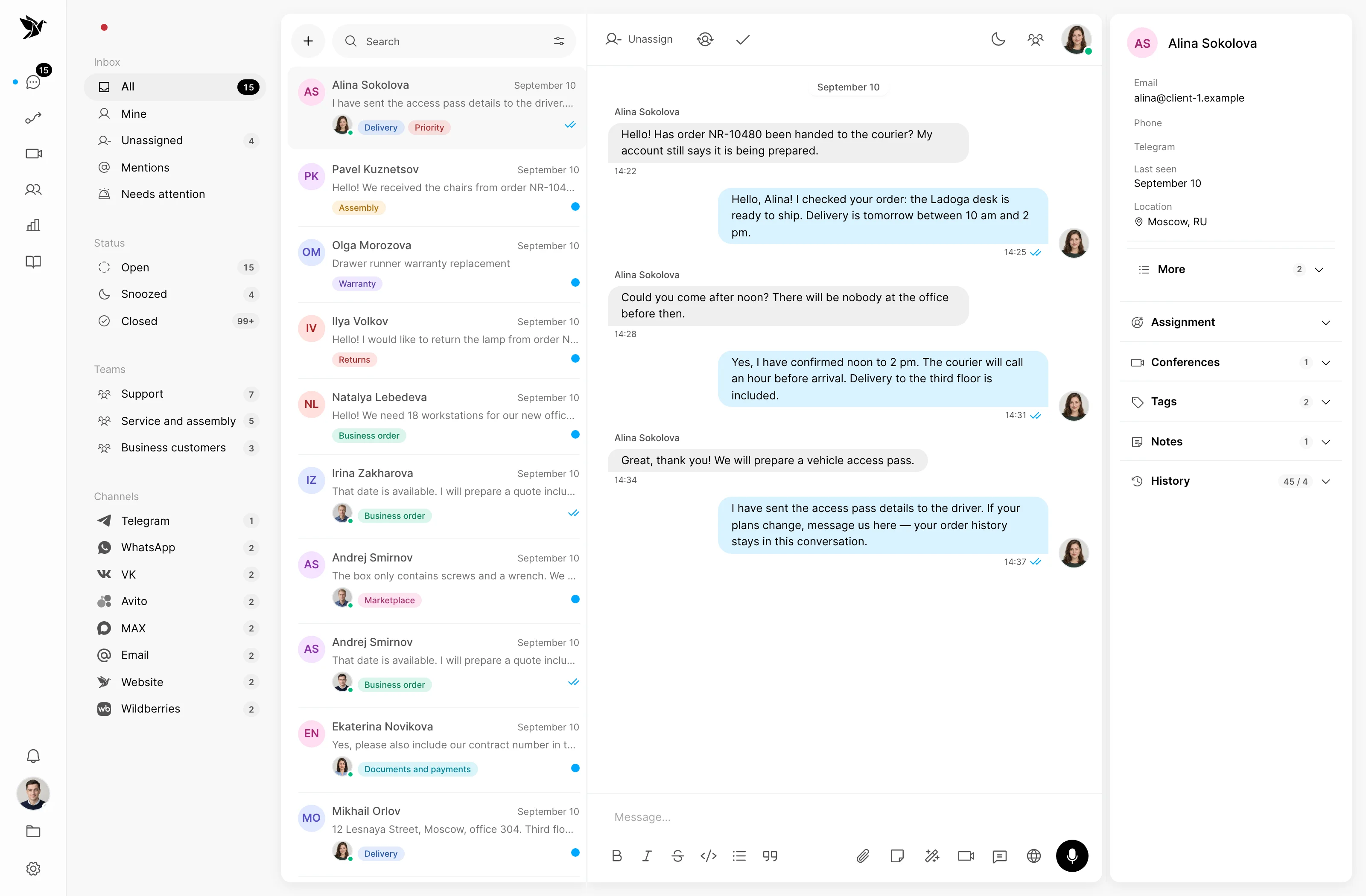
A customer reports a delay, support checks with a terminal, and the next shift needs to continue the conversation. Keep the history and ownership of the reply in one workflow.
Separate new questions from follow-ups
Include colleagues through Telegram Desk
Use previous conversations
Intake
An agent asks for the shipment reference and details of the delay. Tags help find related topics and an assigned owner keeps the conversation moving.
Shift work
A colleague can handle a conversation in Telegram Desk while the rest of the team uses the web interface. Shared history supports shift handoffs.
Hello! Could you confirm the delivery time?
Assigned to agent · Helen
Hi Anna! I will check with the delivery team and get back to you.
Customer context
The contact profile helps agents review communication with the customer’s representative. An employee checks the current shipment status in the transport system.
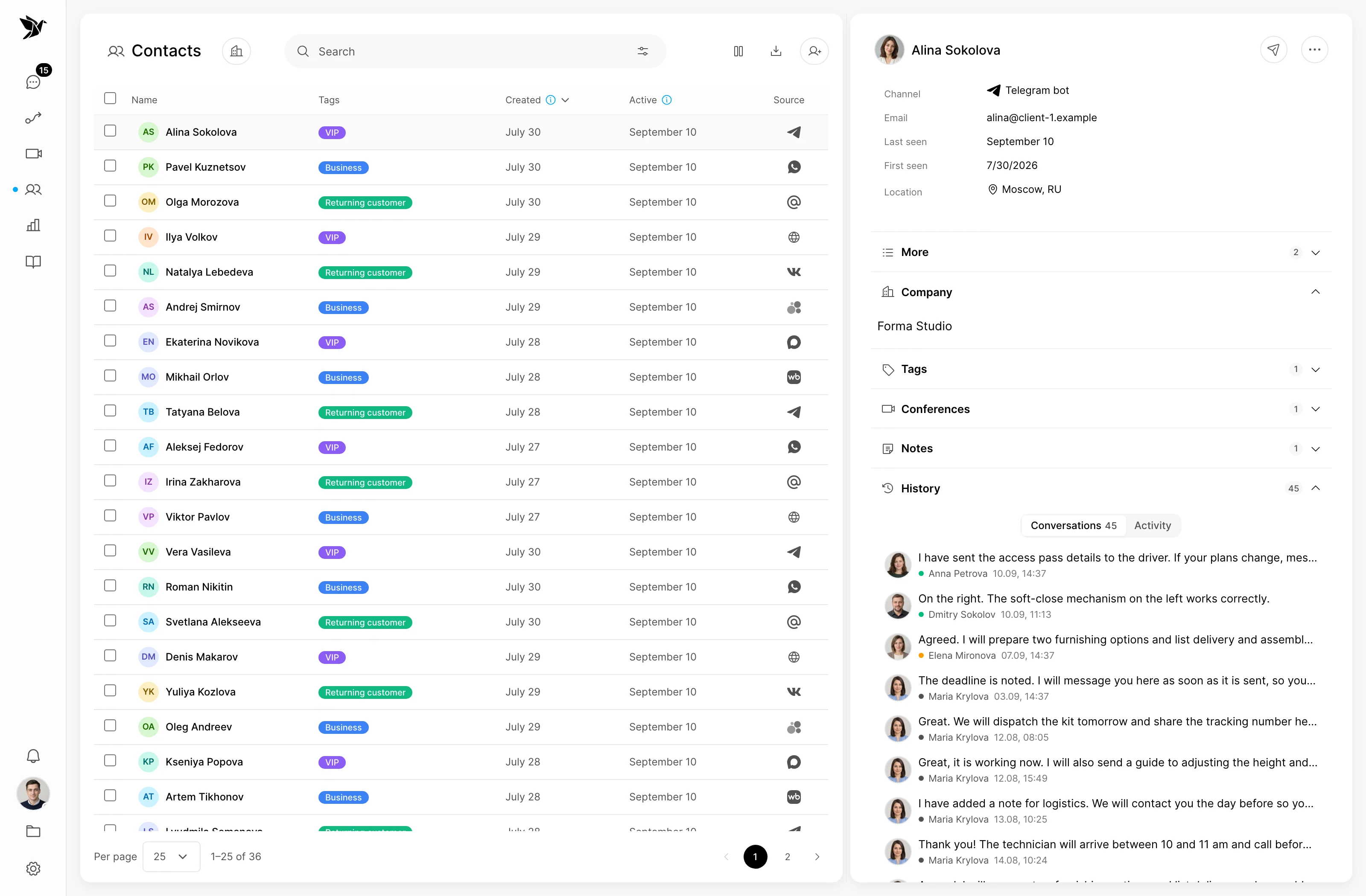
Screenshots show the Tygy interface with demonstration data. Names, conversations and figures are examples.
How the process works
A logistics operator with multiple terminals, dispatchers and a customer service team.
Provides a shipment reference and describes the problem.
Assigns an owner and records the details.
Confirms information in the transport system or with the terminal.
Reads the history and sends the confirmed answer.
Everyday tools
Record the shipment reference and customer question.
Read previous messages before replying.
Confirm the contact person for the shipment.
Logistics operators
Not in this workflow. Dispatchers obtain status from the transport system and use Tygy to communicate with customers.
This is a model workflow based on Tygy features that you can adapt to your company’s processes.
Choose one team and request type. Compare the existing workflow with a pilot using comparable samples, then decide what to expand.
Choose one team and request type. Compare the existing workflow with a pilot using comparable samples, then decide what to expand.
14 days free · No credit card required